Open Automator and go to File->New. Click on Application.
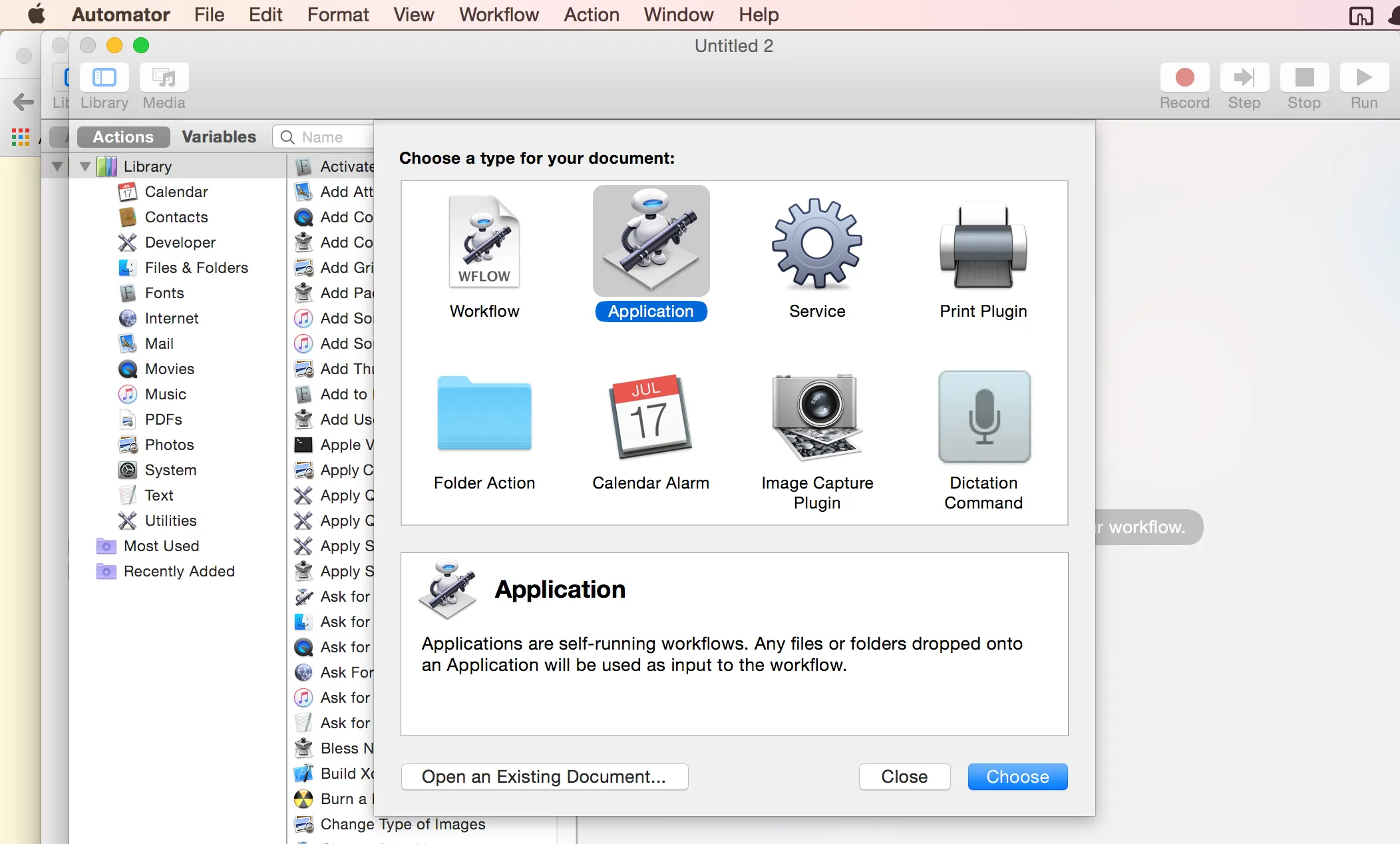
Then search for 'Run AppleScript' and drag it to the window on the right.
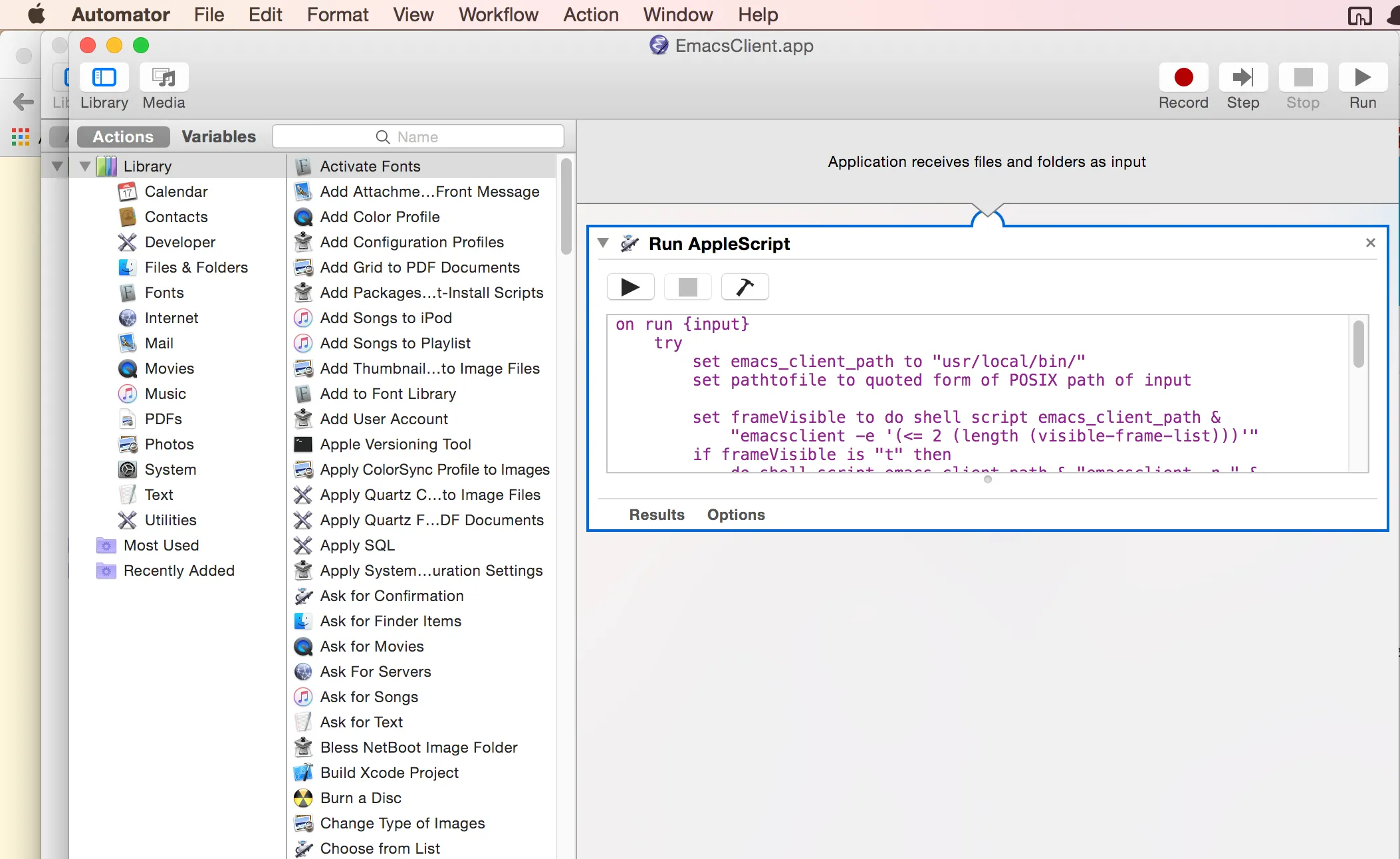
Copy paste the following gist to the window
on run {input}  try    set emacs_client_path to "usr/local/bin/"    set pathtofile to quoted form of POSIX path of input
    set frameVisible to do shell script emacs_client_path & "emacsclient -e '(<= 2 (length (visible-frame-list)))'"    if frameVisible is "t" then      do shell script emacs_client_path & "emacsclient -n " & pathtofile    else      -- there is a not a visible frame, launch one      do shell script emacs_client_path & "emacsclient -c -n " & pathtofile    end if
  on error    set emacs_client_path to "usr/local/bin/"    do shell script emacs_client_path & "emacsclient -c -n "  end try
  -- bring the visible frame to the front  tell application "Emacs" to activate
end run
Save the application in /Applications or /Users/$USER/Applications. Now you can quickly open
emacsclient from Alfred.
Also check out Alfred workflows in the link below
https://github.com/franzheidl/alfred-workflows#open-with-emacs